Man wearing a black SweetMyo training suit works on a tablet beside large windows overlooking a snowy outdoor scene.

Customer Support

User Guide

Sweetmyo NEXUS Hub System

Download User Manual PDF

What's Included

SWEETMYO

Electric pulse training suit

SWEETMYO

Wire

SWEETMYO

Clean Cloth

SWEETMYO

NEXUS Hub

SWEETMYO

USB Cable

Product Videos

SWEETMYO

Advanced Tutorial

SWEETMYO

Unboxing & Simple Setup Guide

Before First Use

SWEETMYO

Fully charge the Hub1 terminal

SWEETMYO

Download the Sweetmyo App (iOS / Android)

SWEETMYO

Read Safety & Warnings before use

SWEETMYO

Confirm you are 18+ and have no contraindications

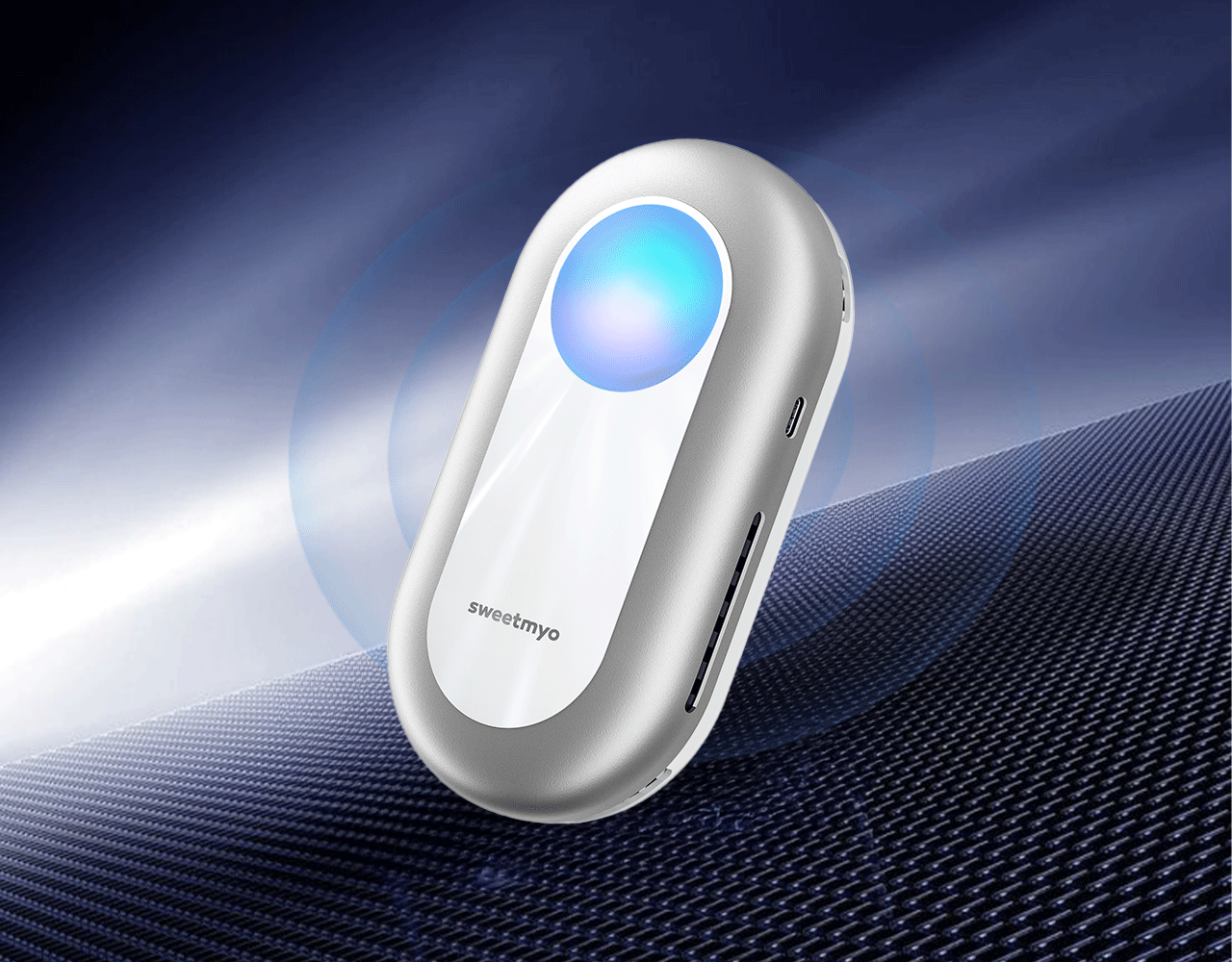
Silver SweetMyo controller with a glowing blue center rests on dark textured fabric against a blue technical background.

How Sweetmyo Works

Sweetmyo AI muscle trainer is an over-the-counter EMS system designed to stimulate healthy muscles through controlled electrical impulses.

Electrical pulses activate motor neurons, which trigger muscle contractions similar to voluntary movement.
By adjusting parameters such as frequency, intensity, contraction and rest cycles, different types of muscle activation can be achieved.


Important:

  • Not a medical treatment device
  • Not intended to treat injuries or diseases
  • For muscle performance and activation only
SWEETMYO
SWEETMYO
SWEETMYO

Using the Training Suit

Proper setup ensures consistent stimulation, comfort, and safety.

Putting on the Suit
  • Inspect the garment, electrodes, and connectors before use
  • Ensure skin and electrode areas are clean and free of oils or lotions
  • Lightly moisten electrode areas if needed to improve conductivity
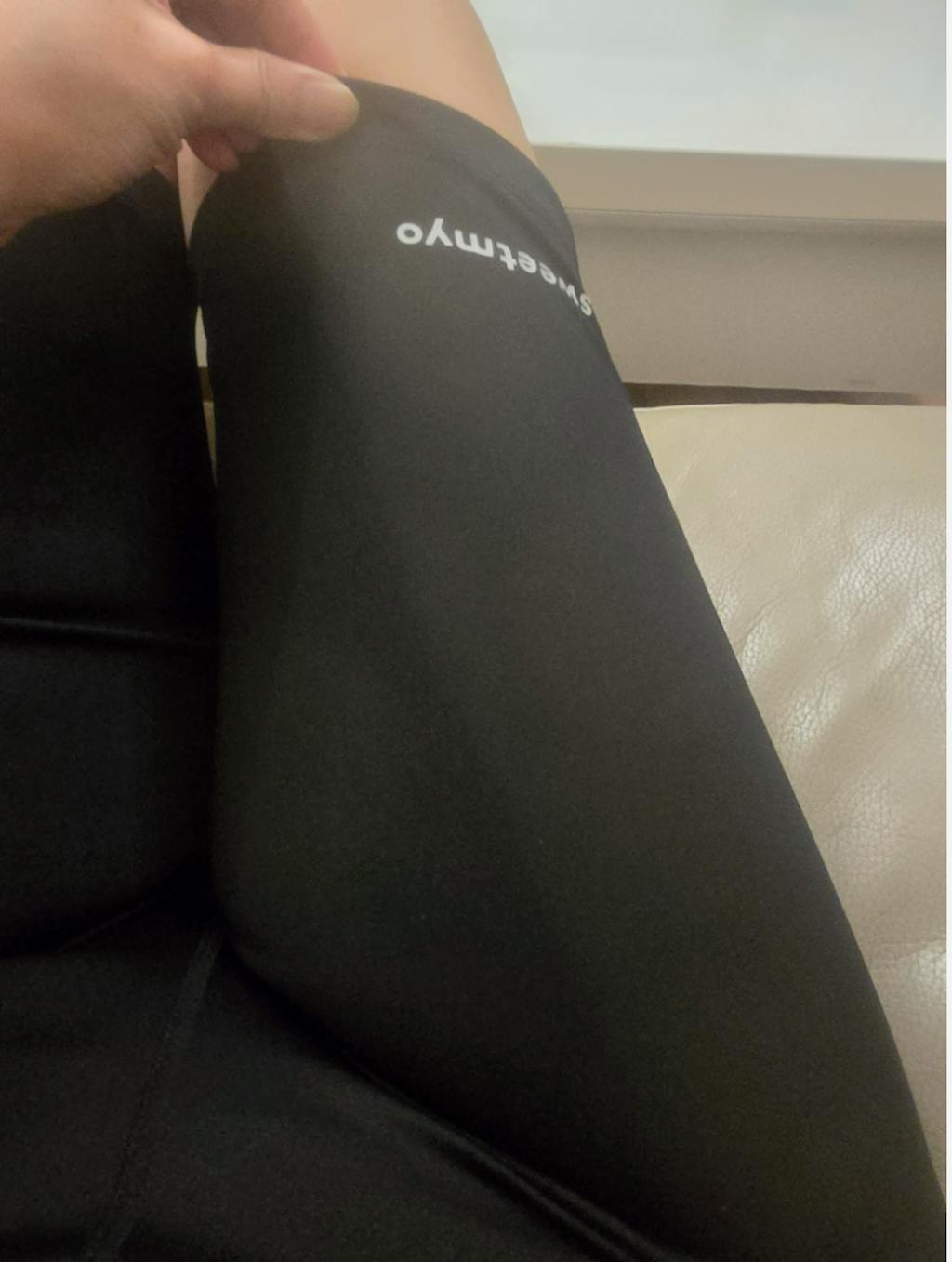
  • Put on the suit so all electrodes sit flat and make full contact with target muscle groups
  • Zip the suit fully and adjust fit to ensure even pressure and stable positioning

SWEETMYO
Before Starting Training
  • Confirm all cables are securely connected
  • Stand still for a few seconds to allow electrodes to settle
  • Start at low intensity and increase gradually through the app
SWEETMYO
During Use
  • Maintain natural posture and controlled movements
  • Stop training immediately if discomfort, irritation, or abnormal sensations occur
SWEETMYO
SWEETMYO
SWEETMYO
SWEETMYO

Using the NEXUS Hub

Power & Connection
  • Attach the NEXUS Hub securely to the garment connector
  • Press and hold the power button to turn on the device
  • Enable Bluetooth on your phone
  • Open the Sweetmyo App and follow the on-screen steps to connect the device
SWEETMYO
During Training
  • Start at a low intensity and gradually increase based on comfort
  • Stop training immediately if you experience discomfort, dizziness, or abnormal sensations
SWEETMYO
After Training
  • End the session in the App before powering off the NEXUS Hub
  • Detach the NEXUS Hub from the garment
  • Allow the garment to air dry before storage if moisture is present
  • Recharge the NEXUS Hub as needed using the supplied charging cable
SWEETMYO

App & Training Modes

App Functions

SWEETMYO

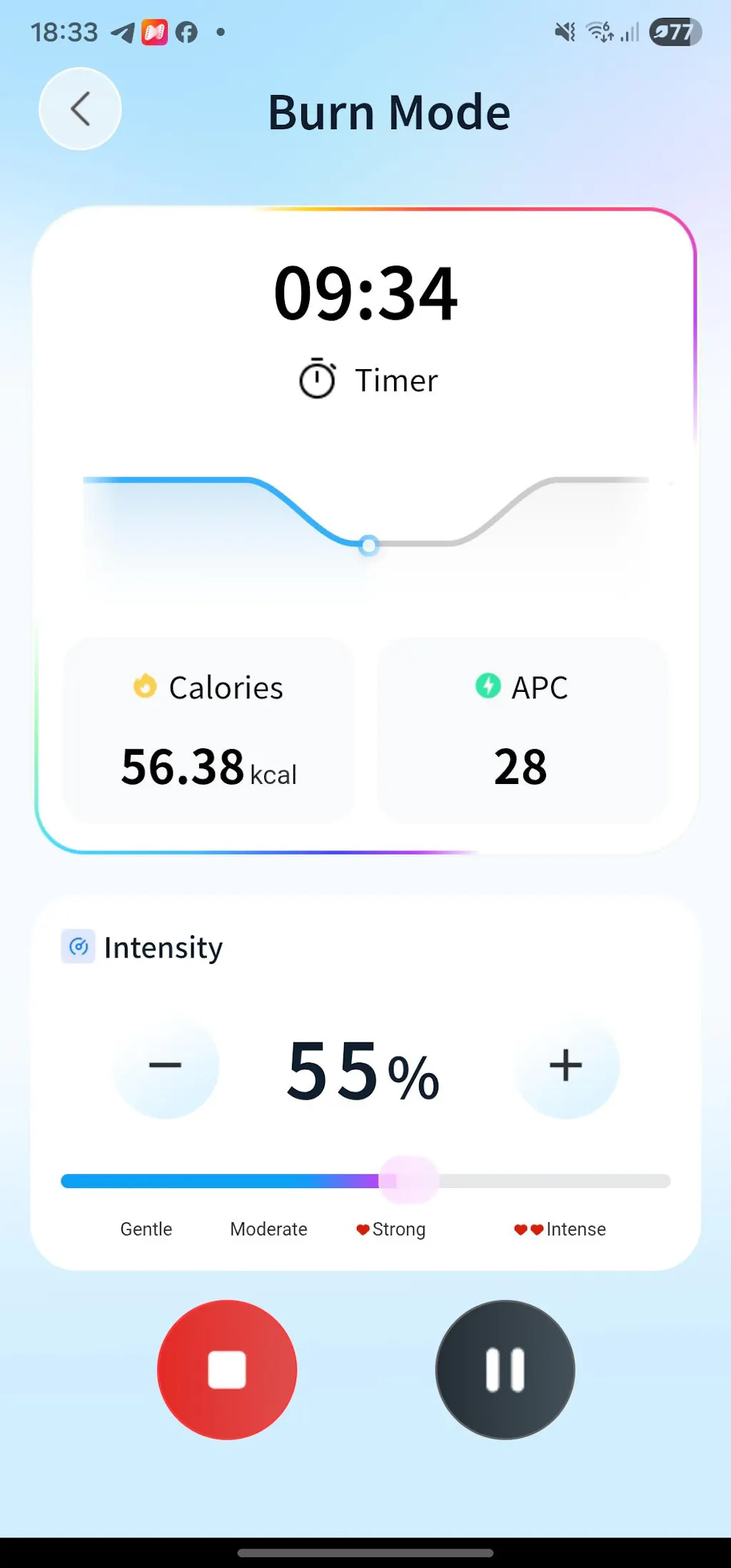
Device connection & monitoring

SWEETMYO

Training mode selection

SWEETMYO

Intensity adjustment (1–100%)

SWEETMYO

Session duration tracking

SWEETMYO

Electrode contact monitoring

Training Mode

SWEETMYO

Modes vary by stimulation pattern and intensity profile.

SWEETMYO

All modes are designed for muscle activation, conditioning, or relaxation, not medical therapy.

SWEETMYO

Follow in-app guidance at all times.

Safety & Warnings

SWEETMYO

Do NOT use if you have:

  • Pacemakers or implanted electronic devices
  • Heart disease, epilepsy, pregnancy
  • Cancer, acute illness, open wounds
  • Recent surgery affecting muscles
SWEETMYO

Key Safety Rules

  • Adults only (18+)
  • Dry environment only
  • Max session: 60 minutes
  • Do not use while sleeping, driving, or in water
  • Stop immediately if dizziness, pain, or discomfort occurs

*This system is not a medical device for diagnosis or treatment.

Common Issues & Solutions

SWEETMYO

No stimulation

  • Check Bluetooth connection
  • Ensure Hub1 is firmly attached
  • Improve electrode contact
SWEETMYO

Uneven left/right intensity

  • Adjust suit fit
  • Lightly moisten electrodes
  • Warm up and sweat slightly
SWEETMYO

Prickly sensation

  • Reduce intensity
  • Improve skin–electrode contact
SWEETMYO

Device not found

  • Charge Hub1
  • Restart app and Bluetooth
  • Move phone closer

*Training suits are consumables and may require replacement over time.

Care & Maintenance

SWEETMYO

Training Suit

SWEETMYO

Machine wash cold (≤30°C)

SWEETMYO

Use mesh laundry bag

SWEETMYO

No bleach, softener, tumble dry

SWEETMYO

Air dry only

SWEETMYO

Expected lifespan: ~50 washes

SWEETMYO

NEXUS Hub

SWEETMYO

Wipe with damp cloth only

SWEETMYO

Do not immerse in water

SWEETMYO

Store dry, away from heat and sunlight

SWEETMYO

Recharge every 3–6 months if unused

SweetMyo controllers appear in front of a dark shield and checkmark graphic representing regulatory and compliance protection.

Regulatory & Compliance

  • FCC Part 15 compliant
  • EMC compliant (IEC 60601-1-2)
  • Designed for domestic environments
  • BLE communication only
  • WEEE compliant disposal required

Manufacturer: Sweetmyo Inc.
Address: 16192 Coastal Highway, Lewes, DE 19958
Support: support@sweetmyo.com

Download User Manual PDF